Traditional Vector
Precise.
Editable paths, scalable artwork and control over individual vector points.
- Editable paths
- Scalable artwork
- Precise geometry
Arttista is vector animation software built for artists who want editable, scalable artwork without giving up texture, expression, and a natural hand-drawn feel.
Use textured brushes, organic shapes, editable points and animation tools to create artwork that feels drawn rather than constructed.
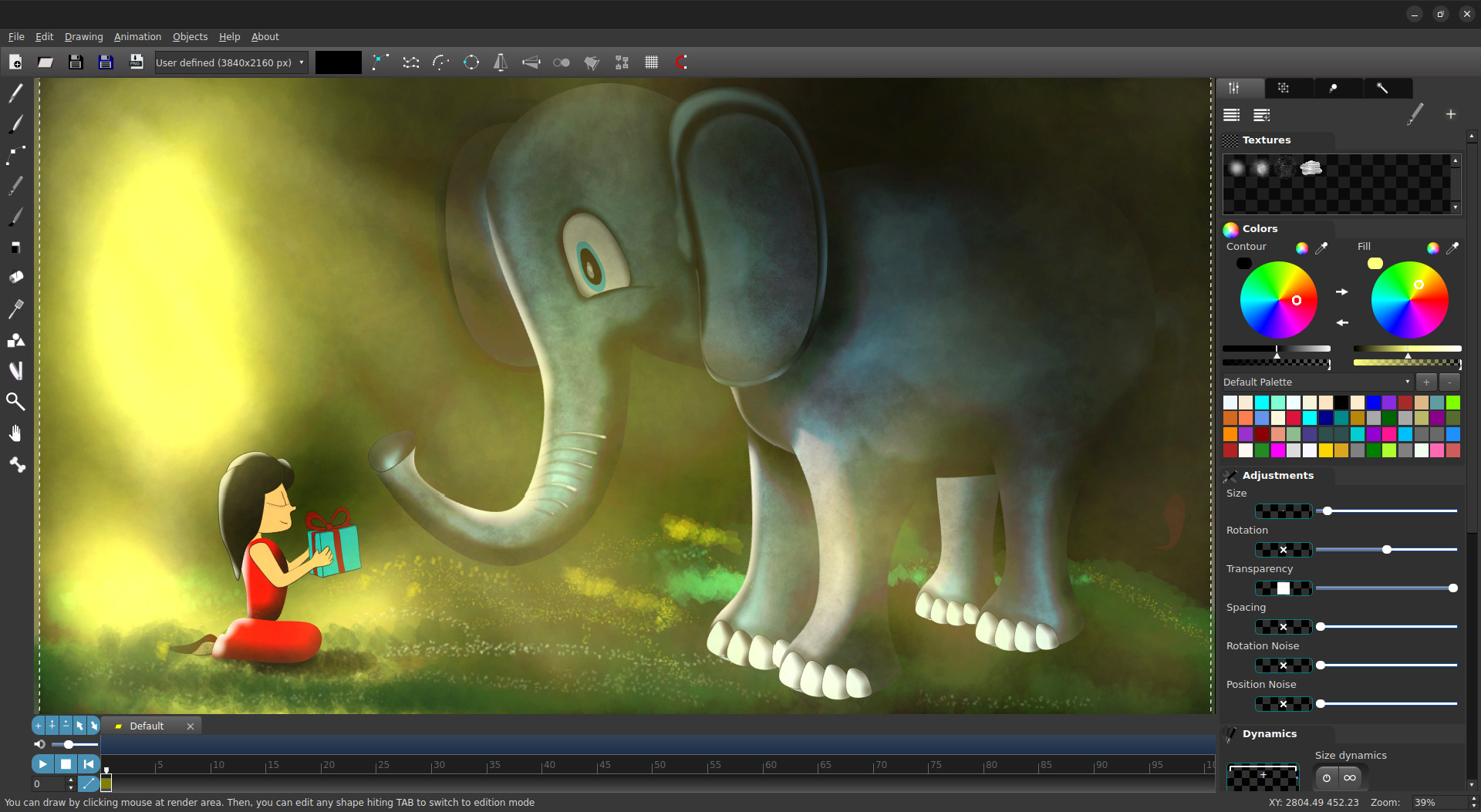
Created in Arttista. The artwork remains editable and scalable while retaining an expressive visual character.
Traditional vector tools give you precision. Traditional drawing tools give you expression. Arttista is designed to bring both together with animation.
Editable paths, scalable artwork and control over individual vector points.
Keep vector flexibility while drawing with a more natural, expressive visual language.
Texture, pressure and organic marks that make artwork feel personal and alive.
Arttista lets you create expressive strokes while preserving the advantages of vector artwork. Refine shapes, adjust points, change colors and keep developing the illustration after the first stroke.
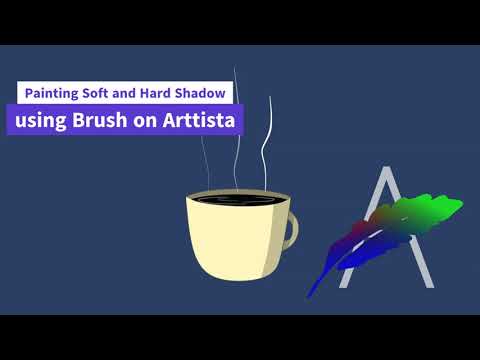
Learn advanced techniques for using the Brush in Arttista,.
Your vector artwork doesn't stop at a finished illustration. Animate the same artwork frame-by-frame, interpolate it, or build a character rig.
Create expressive animation with a traditional frame-by-frame workflow while keeping your artwork vector-based.
Use vector interpolation to create transitions between drawings and shapes without rebuilding every frame manually.
Use bones and inverse kinematics to create reusable movement and animation cycles.
A focused set of drawing, color and animation features designed around an artist's workflow.
Add texture and character to vector strokes instead of settling for perfectly uniform lines.
Refine the individual points and shapes that make up your artwork.
Animate vector artwork with a workflow inspired by traditional 2D animation.
Create smooth transitions between vector drawings and shapes.
Rig characters and animate connected artwork with bones and inverse kinematics.
Explore color relationships and develop cohesive palettes for your illustrations and animations.
Arttista is designed for illustrators and animators who want their artwork to remain editable and scalable, while still feeling personal, textured and expressive.
Follow practical tutorials and learn 2D illustration and animation by creating real projects in Arttista.
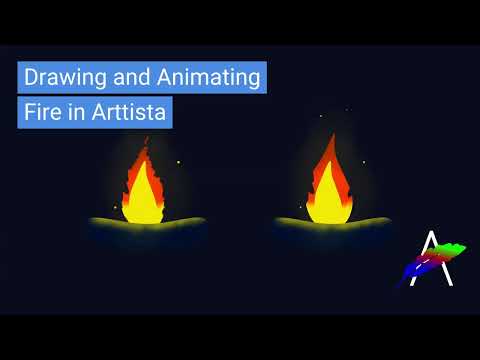
Create a stylized fire animation from scratch.
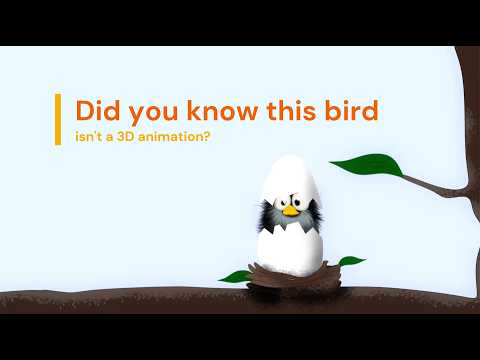
Learn The Secret Behind This Bird And How Do It Yourself
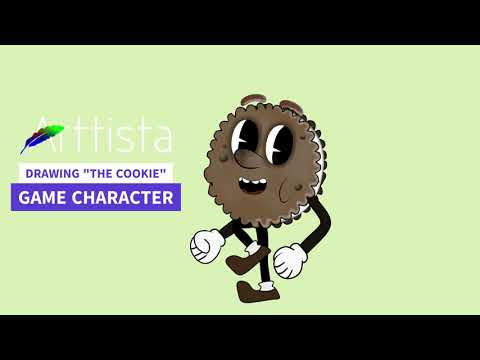
Explore drawing, brushes, rendering and texturing in one workflow.
Use the same creative approach across the desktop platforms artists use every day.
Explore Arttista with the free demo and discover a different way to draw and animate with vectors.